Getting Started
Installation
Download flr and install the Python dependencies, which are provided in the requirements.txt file.
git clone https://github.com/julianss/flr.git
cd flr
pip3 install -r requirements.txt
Compile the frontend app.
cd svelte_client
npm install
npm run build
Run the example app
Apps are located in the apps/ folder. We will now run the included example app.
Every app should have a corresponding configuration file containing the environment variables
necesssary for running it. Edit the .example file to provide the necessary
credentials to a PostgreSQL instance.
flr_app=example
flr_db_name=example
flr_db_user=youruser
flr_db_pass=yourpassword
flr_db_host=localhost
flr_db_port=5432
Run the server by executing the run.sh script passing as argument the name of the configuration file without the dot.
./run.sh example
If the Postgres user you provided has database creation privileges, the database will be automatically created. If not, you must ensure the database exists before running flr.
If the database connection is successful, you will be prompted with a bunch of SQL commands.
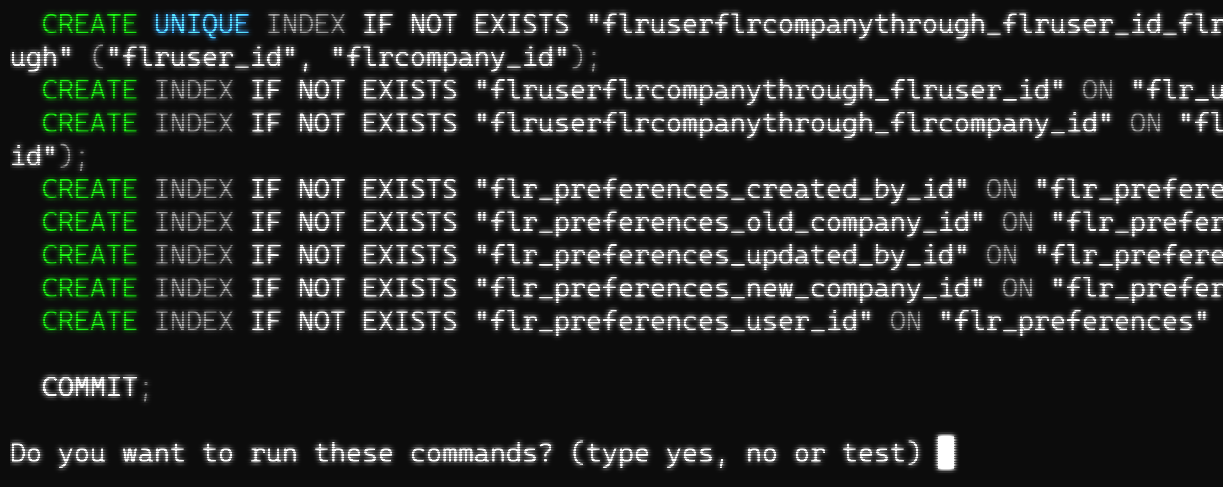
Type “yes” and enter. This will create the database tables. When it’s done point your browser
to localhost:6800 to open the app. You will see the login screen.
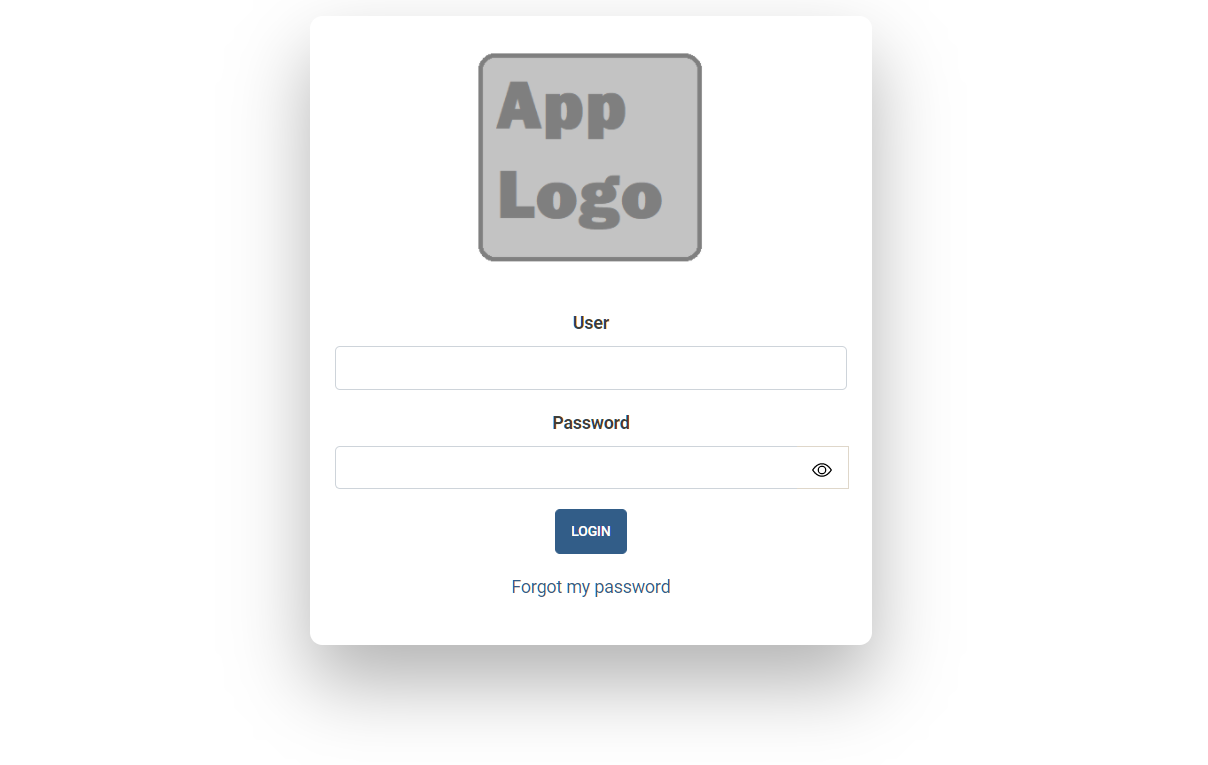
The default user is admin, and the password is also admin (this password can be changed
through the env variable flr_admin_pass).
Web client overview
Menus and views
The web client consists of sections, menus and views. A section is each different link that appears in the topbar.

When clicked, a section displays a dropdown menu of options. Each of this options is called a menu, and each menu opens a different view or set of views.
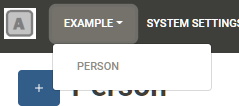
Views come in different flavors:
List view
The list view shows a list of paged records. It can be filtered to show only records that satisfy certain criteria.
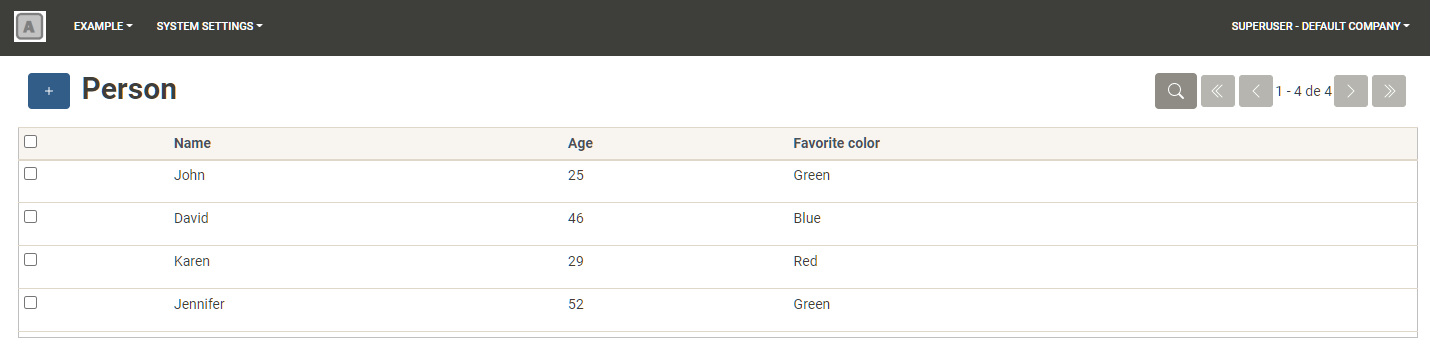
Records can be selected by clicking the checkboxs to the left, in order to execute actions on them (such as delete them).

To view and edit a record, click on a row. To create a new record click on the New button (plus icon). Both of these actions will open the form view.
Form view
The form view shows the record’s fields in detail.
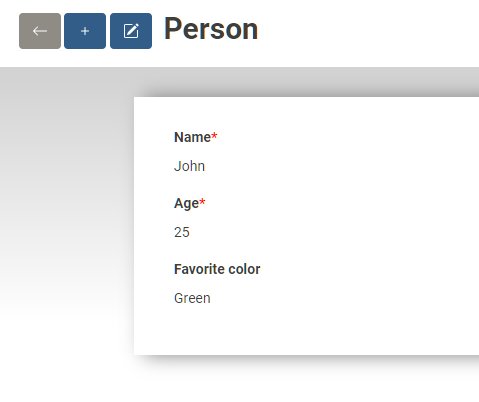
Click the edit button to activate the edit mode wherein the fields become editable and the record can be updated.
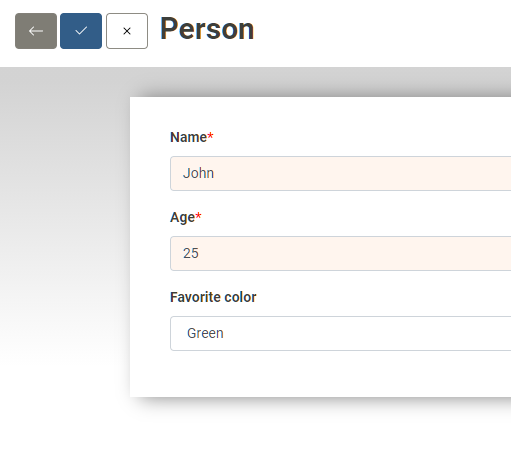
The Form view renders each field according to its type. Hence it will render Date fields as a date input, Boolean fields as a checkbox and so on.
Search view
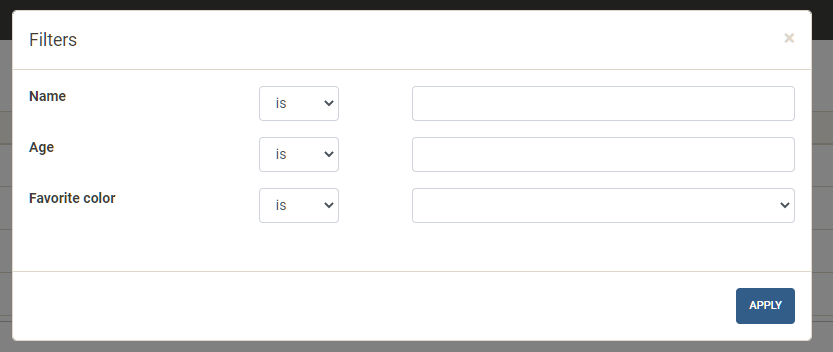
This is a dialog used to filter the list view, where values and conditions for each field can be specified. Open it by clicking the magnifying glass icon in the List View.